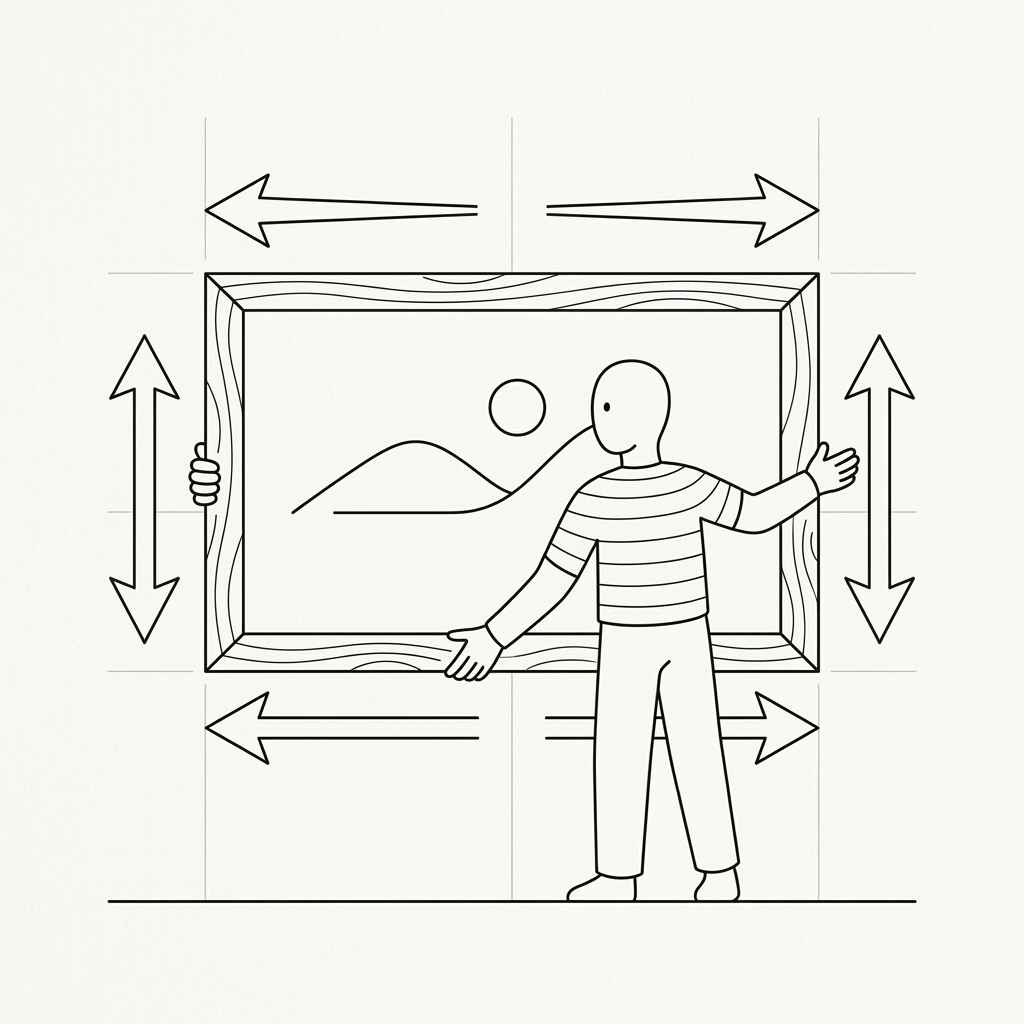
Every social media platform has its own strict dimensions for profile pictures, cover photos, and feed posts. Trying to upload an image with the wrong aspect ratio usually results in awkward cropping, pixelation, or blurry graphics. Knowing how to quickly resize your images is a crucial skill for content creators and marketers.
The Problem with One-Size-Fits-All
Instagram prefers square (1:1) or vertical (4:5) formats. Twitter favors horizontal ratios. YouTube thumbnails strictly require 16:9 dimensions.
If you try to use a single image file across all these platforms without proper resizing, important parts of your image will inevitably get chopped off.
Avoid Heavy Software
In the past, resizing an image meant opening up a heavy, slow desktop application like Photoshop, waiting for it to load, and navigating complex export menus. Today, that is completely unnecessary for simple resizing tasks.
Browser-Based Resizing
The most efficient way to scale your images is by using a lightweight browser tool. You simply drag and drop your image, enter your desired width or height, and instantly download the new file.
However, be cautious with cloud-based tools that require you to upload your images to a remote server. This can be slow on poor connections and raises privacy concerns for personal photos.
The Androdom Image Resizer
We designed a lightning-fast Image Resizer that works entirely locally on your device.
- Instant Previews: See how your image scales in real-time.
- Aspect Ratio Locking: Prevent your images from looking stretched or squished.
- Zero Uploads: Total privacy, as your files never leave your computer.
Stop wrestling with complex software just to change image dimensions. Visit androdom.tr/en/tools/resizer and streamline your image preparation process today!