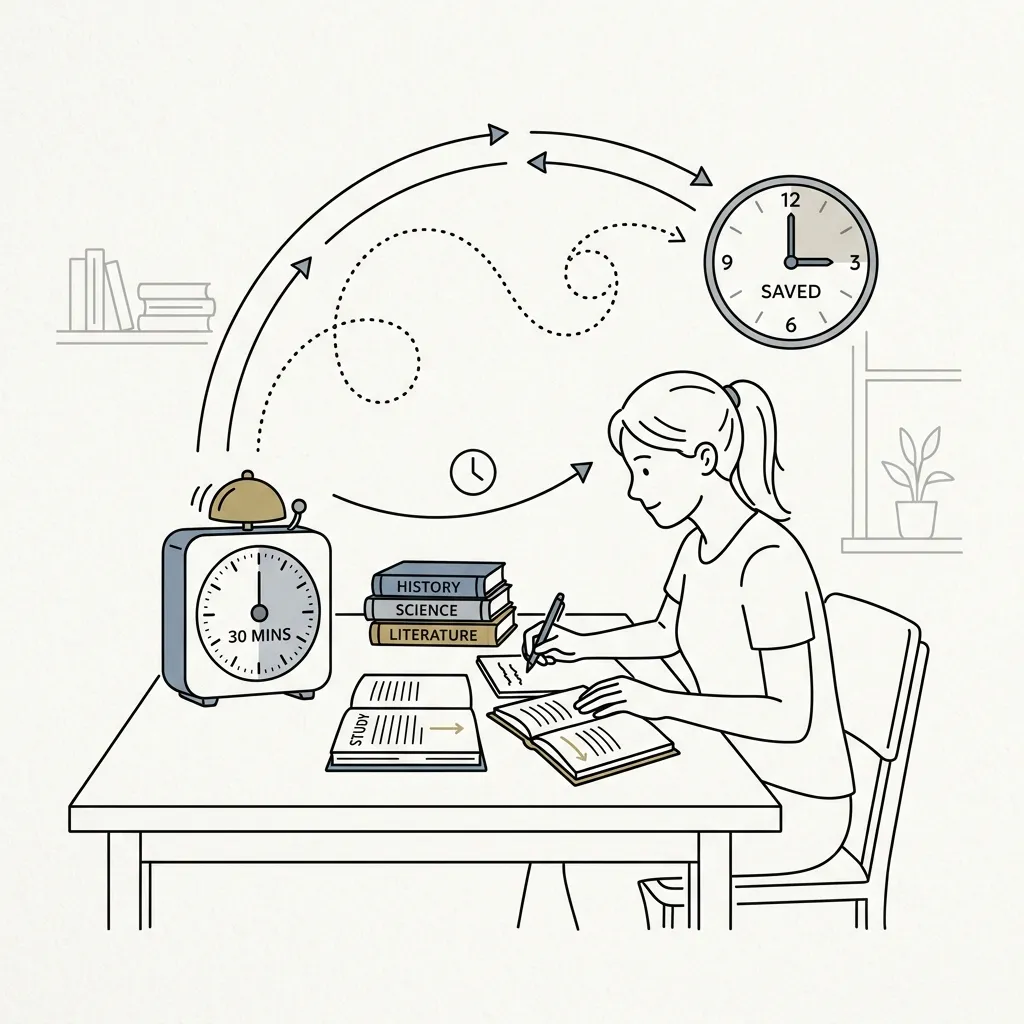
Self-learning is an incredible superpower, but it requires smart planning. Whether you are studying for an upcoming university exam, learning to code, or trying to pick up a new language, YouTube is likely one of your go-to resources.
However, online learning can quickly become overwhelming. You find a great educational playlist, but it is packed with dozens of videos. Without knowing the exact total length of the course, it is hard to decide how to schedule your study sessions. Will this playlist take you three hours, or thirty hours?
To make your study sessions more organized and save you valuable planning time, using a YouTube playlist time calculator is a simple and effective step. Let us look at how knowing your exact watch time can help you study smarter and finish your online courses faster.
The Danger of Study Guesswork
When you start a new online course without a clear schedule, it is easy to lose motivation. This is often because of "study guesswork." If you do not know the exact commitment a playlist requires, you might face these common problems:
- Overestimating the Task: A playlist with 40 videos looks terrifying. You might put off starting it because you assume it will take weeks, when it might actually only be four hours of total content.
- Underestimating the Task: You decide to watch a playlist the night before an exam, assuming it is short, only to realize too late that it contains twelve hours of detailed lectures.
- Lack of Daily Goals: Without a total time figure, it is hard to say, "I will finish 10% of this course today."
Knowing the exact total duration changes your perspective and gives you a clear target to aim for.
How a Playlist Time Calculator Simplifies Your Planning
A YouTube playlist time calculator does all the boring addition and division for you in a fraction of a second. Once you know the total run time of your study playlist, you can build a realistic study calendar.
For example, if the calculator tells you a Python programming playlist is exactly 12 hours long, you can easily plan your week:
- The 6-Day Plan: Study for 2 hours a day, and you will finish the entire course in less than a week.
- The 12-Day Plan: Spend a relaxed 1 hour a day, and you will be done in less than two weeks.
This structure helps keep your mind focused and prevents the burnout that comes from cramming too much information at once.
Speed-Studying: Saving Hours with Faster Playback
One of the best ways to save study time is by utilizing YouTube's playback speed features. Many students find that they can easily understand lectures at 1.25x or 1.5x speed without losing any comprehension.
Our playlist time calculator automatically shows you how much time you save at these higher speeds. If your study playlist is 15 hours long at normal speed, look at how much time you can save:
- At 1.25x Speed: The playlist takes 12 hours (you save 3 hours).
- At 1.5x Speed: The playlist takes 10 hours (you save 5 hours).
By seeing these numbers upfront, you can decide which speed fits your current study goals and timeline.
Map Out Your Studies with Focus Flow
At androdom.tr/en/tools/ytplaylist, we built a clean and free YouTube playlist time calculator to help students and self-learners organize their education.
Using the tool is incredibly straightforward. You simply copy the link to your study playlist, paste it into our tool, and press enter. Instantly, you will see a detailed breakdown of the total watch time at various speeds. There are no complicated settings, ads, or sign-ups required. It is designed to get you the information you need so you can get back to studying.
Simple Habits for Successful Online Learning
Once you have calculated your playlist duration, try these quick tips to make your learning even more effective:
1. Use the Pomodoro Technique: Study for 25 minutes using your calculated playlist, then take a 5-minute break. This keeps your brain fresh and prevents screen fatigue.
2. Practice Active Recall: Instead of just letting the videos play, write down quick summaries or flashcards after each video to test your memory.
3. Set Micro-Deadlines: Use the total watch time to set small, daily goals. Crossing a specific video off your list provides a great sense of progress.
Conclusion
Online learning on YouTube is highly effective, but only if you manage your time wisely. By using a YouTube playlist time calculator, you can remove the guesswork, build a realistic study calendar, and easily find the perfect playback speed for your goals.
Before you start your next study session, visit androdom.tr/en/tools/ytplaylist. Paste your course link, discover your exact study time, and take control of your learning schedule today!